Personal
For one engineer.
US$65/ month
or US$624 / year · save 20%
- All analysis features and exports
- One computer at a time
 Solgroup
Pile group analysis
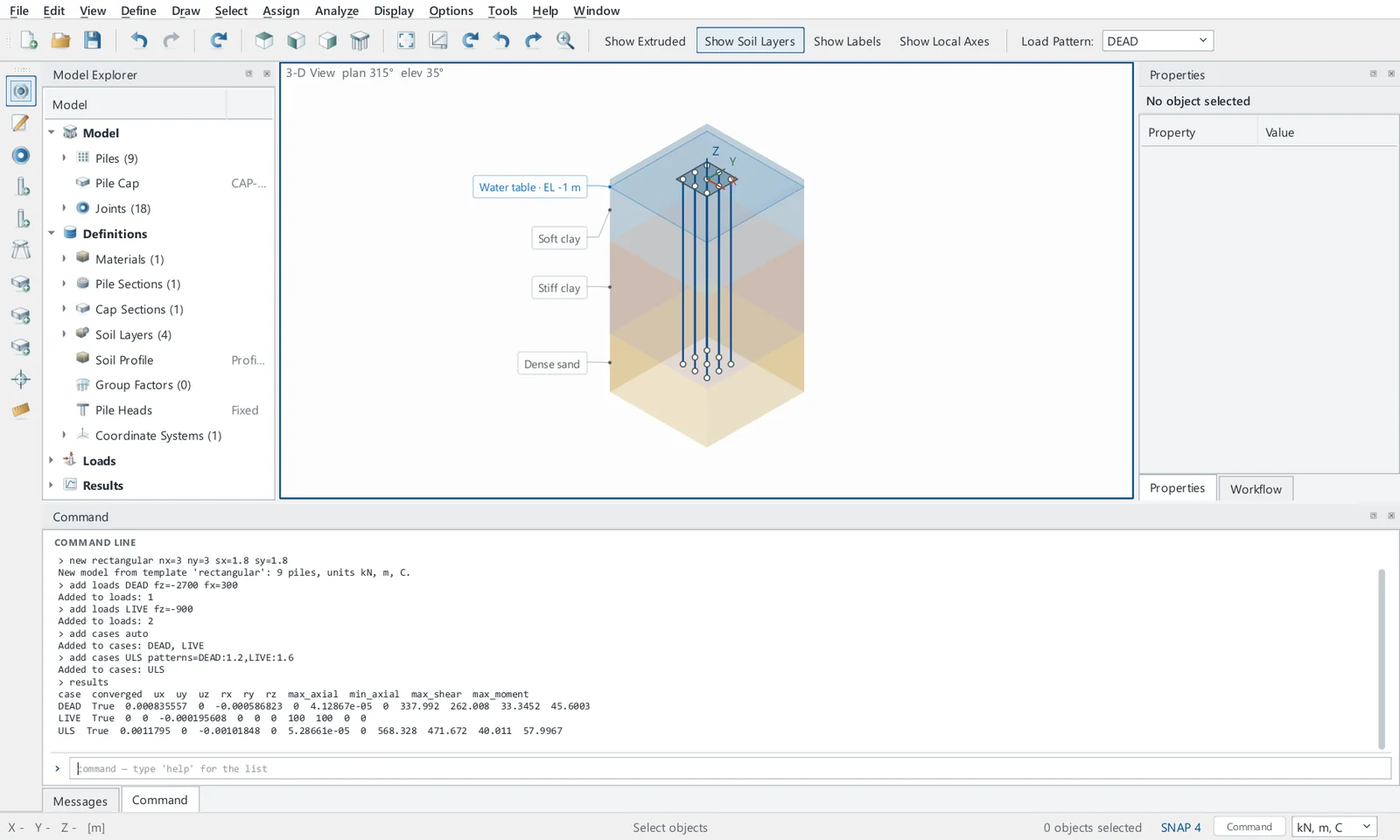
Piles, pile cap and soil in one 3D model. Apply the loads, run a nonlinear analysis and see how the group shares them.
From US$65 / month
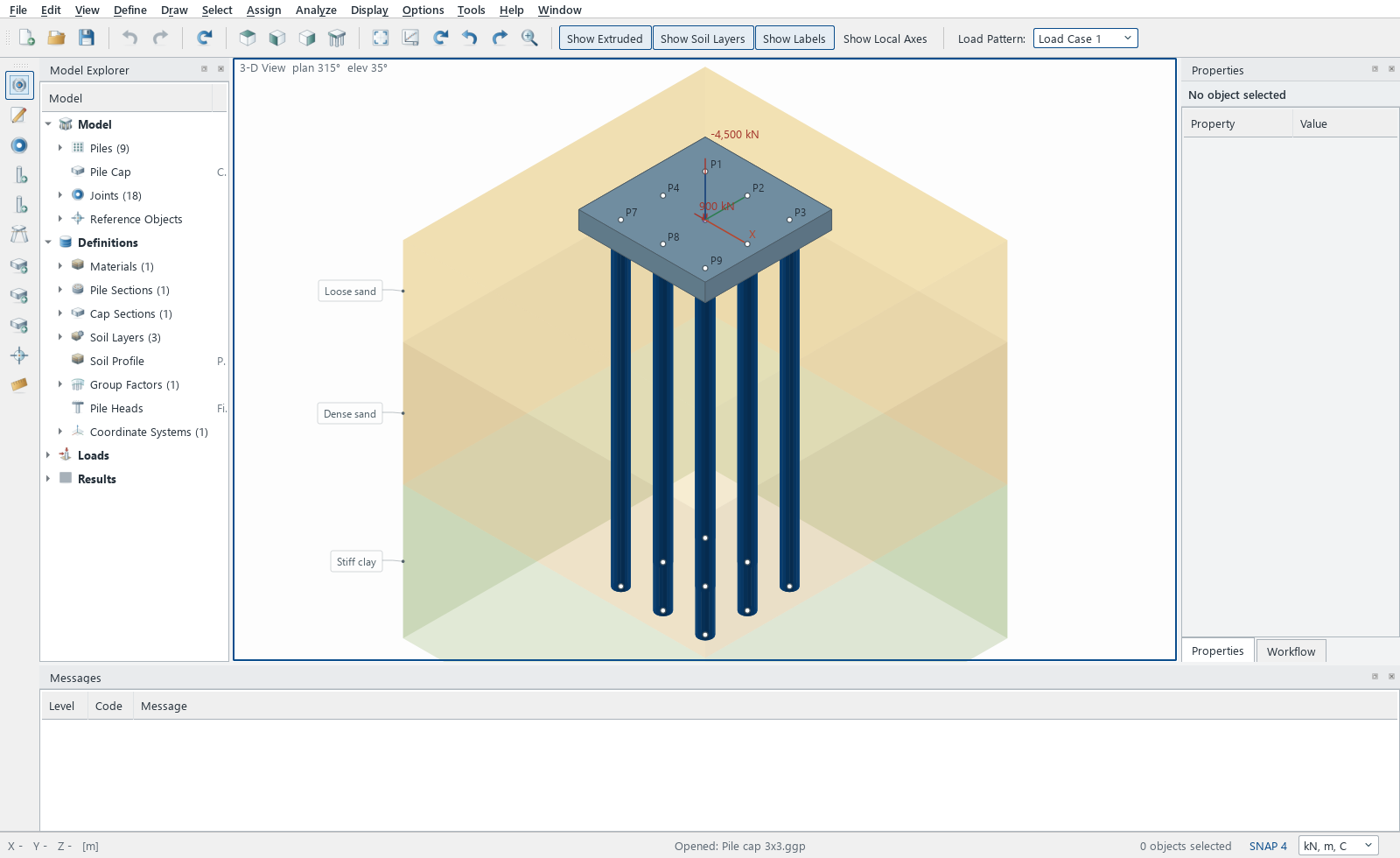
Every pile has its own soil response; the cap ties the group together.
Layout
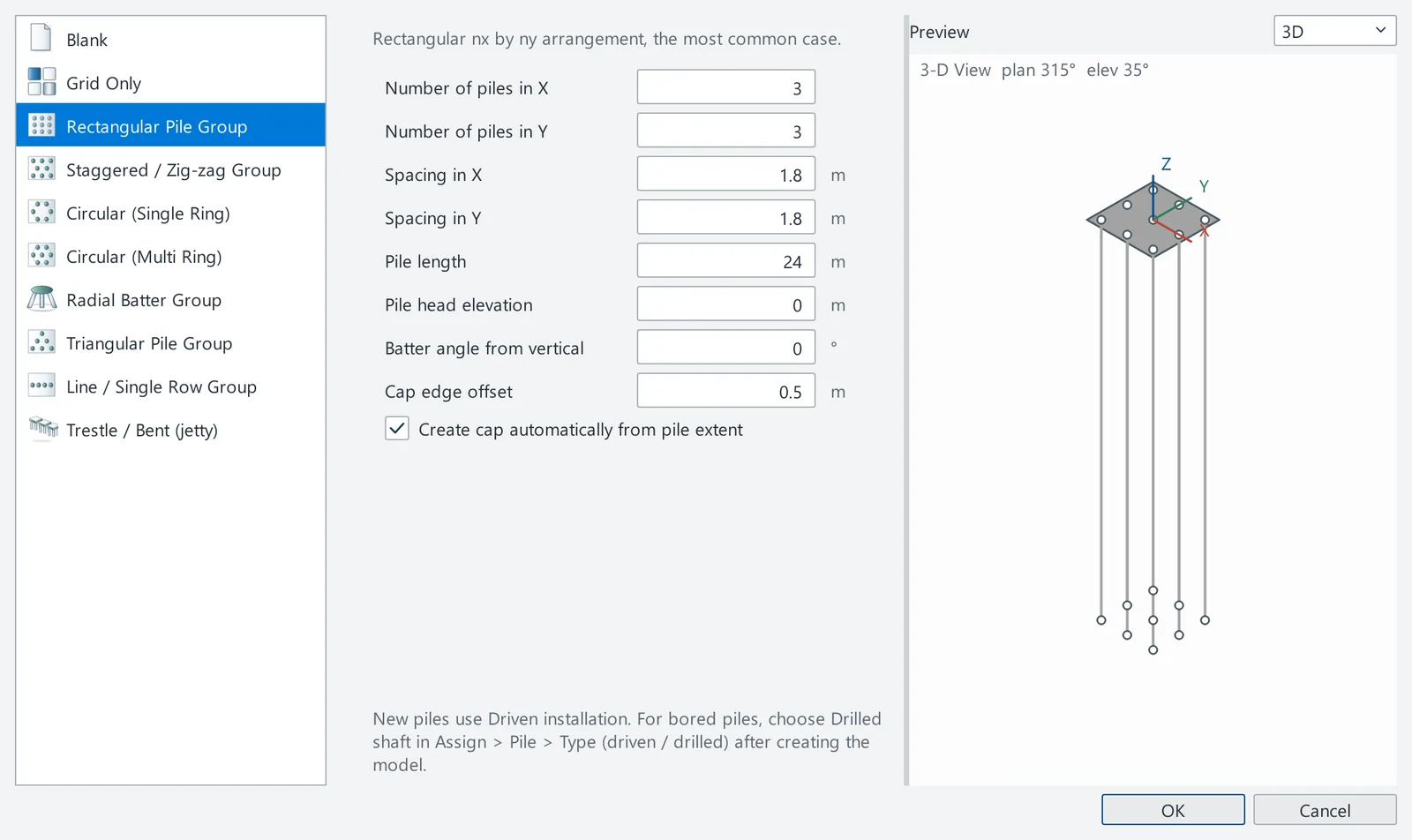
Rectangular, staggered, triangular, circular, radial-batter, trestle and single-row groups are built from a few numbers: piles, spacing, length and batter. Then draw, move or replicate piles anywhere, at any spacing and direction.
Pile cap
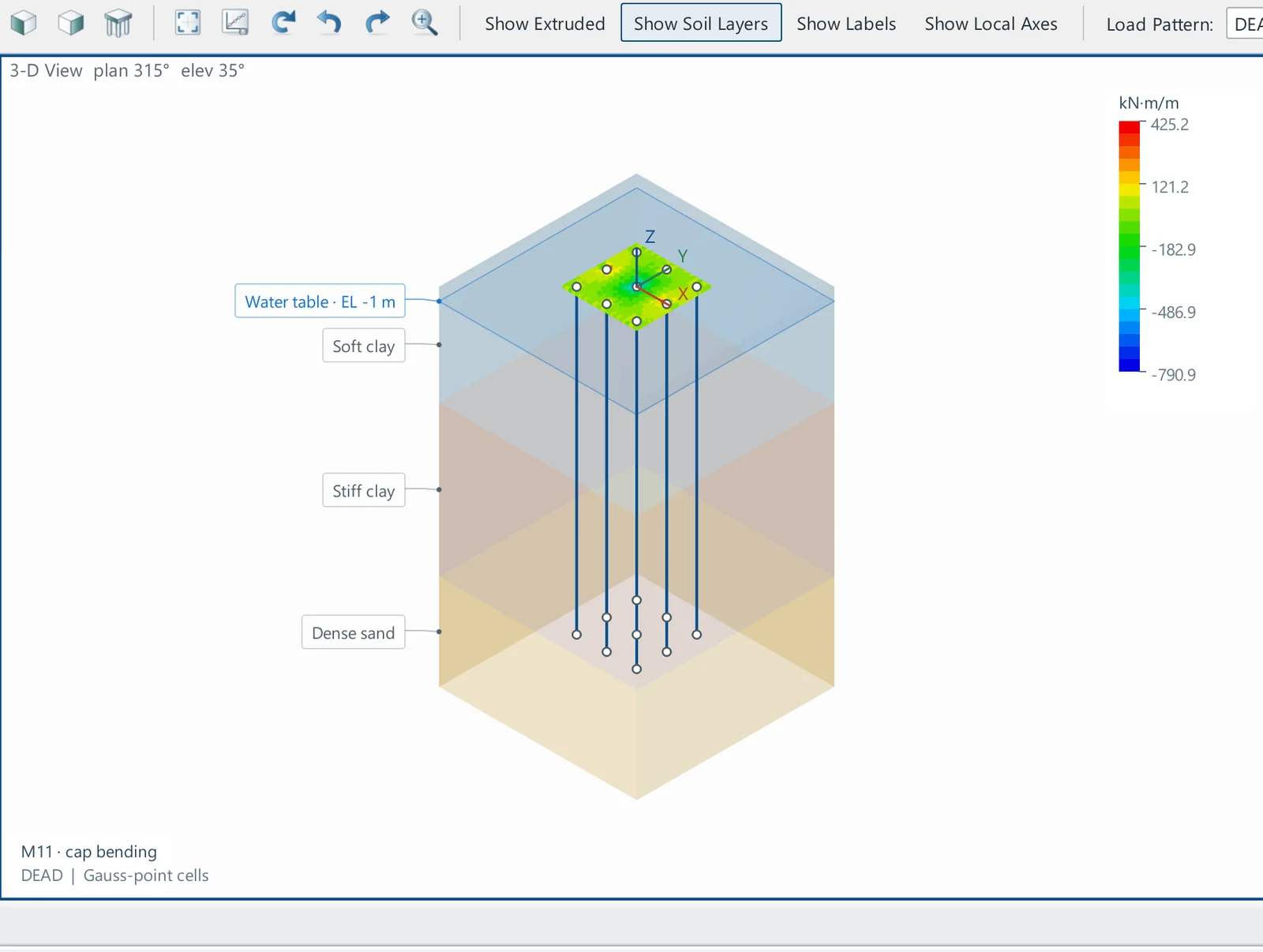
Treat the cap as rigid, or mesh it into plate elements and read its bending moments and shears. Pile heads may sit at the nodes or inside the plates; an embedded cap adds passive resistance.
Soil
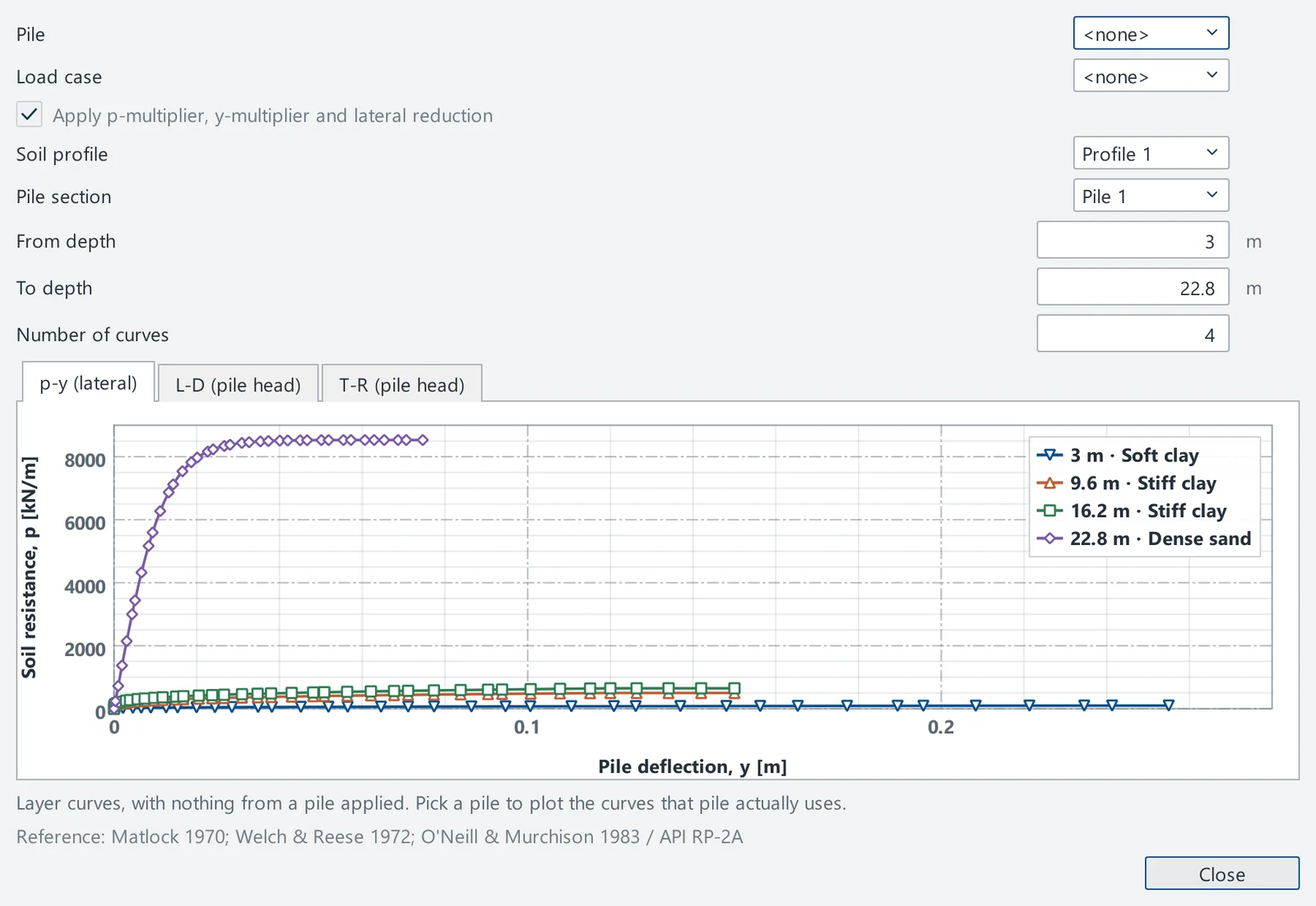
Lateral p-y, axial t-z and tip curves and torsional curves come from the soil profile, with p-multipliers for the group and the layering correction. Check the curves each pile actually uses.
Ground
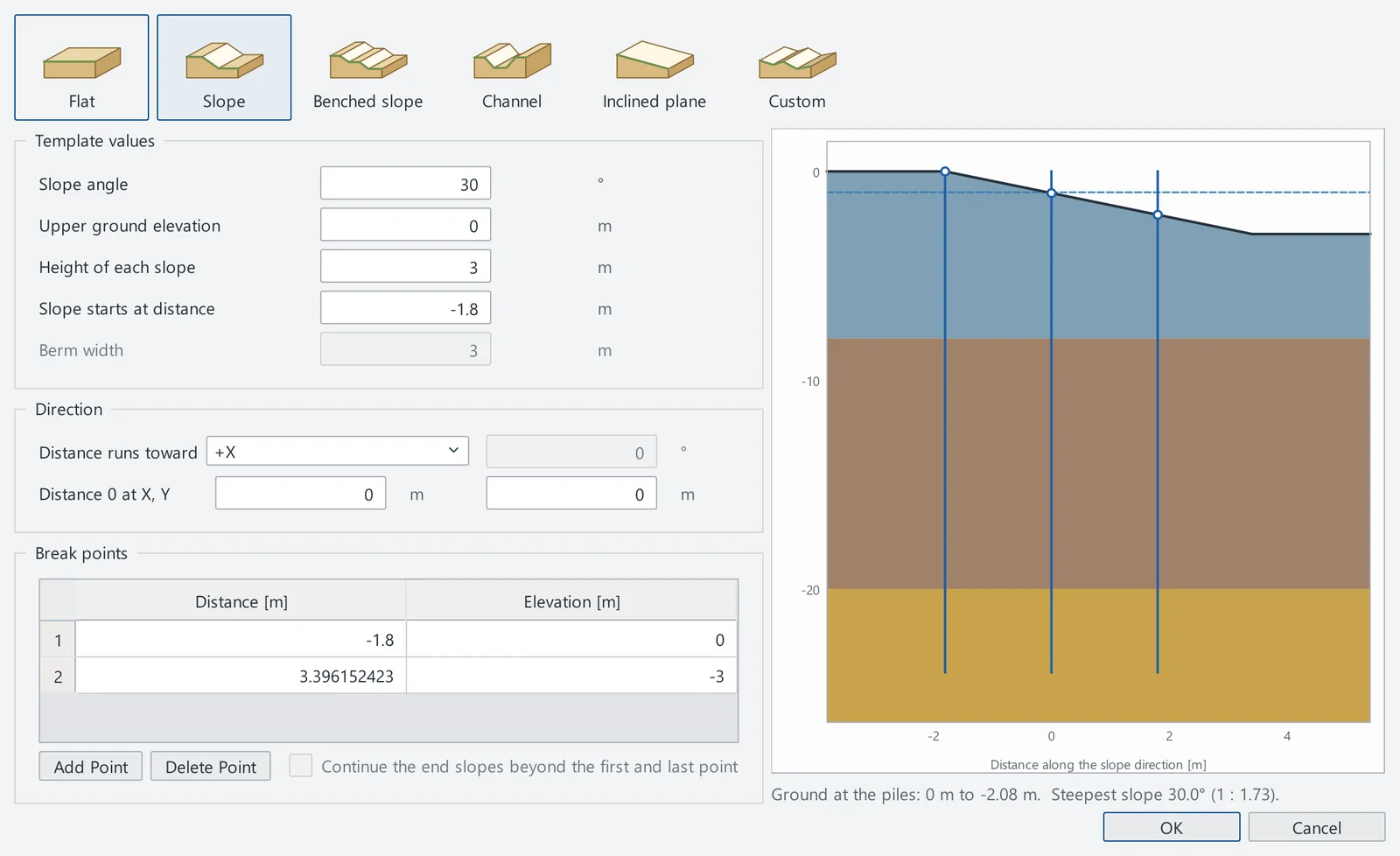
Give the site a slope, a berm or a channel from a template and a slope angle. Every pile takes its ground where its axis enters the soil, and the layers keep their elevations.
Results
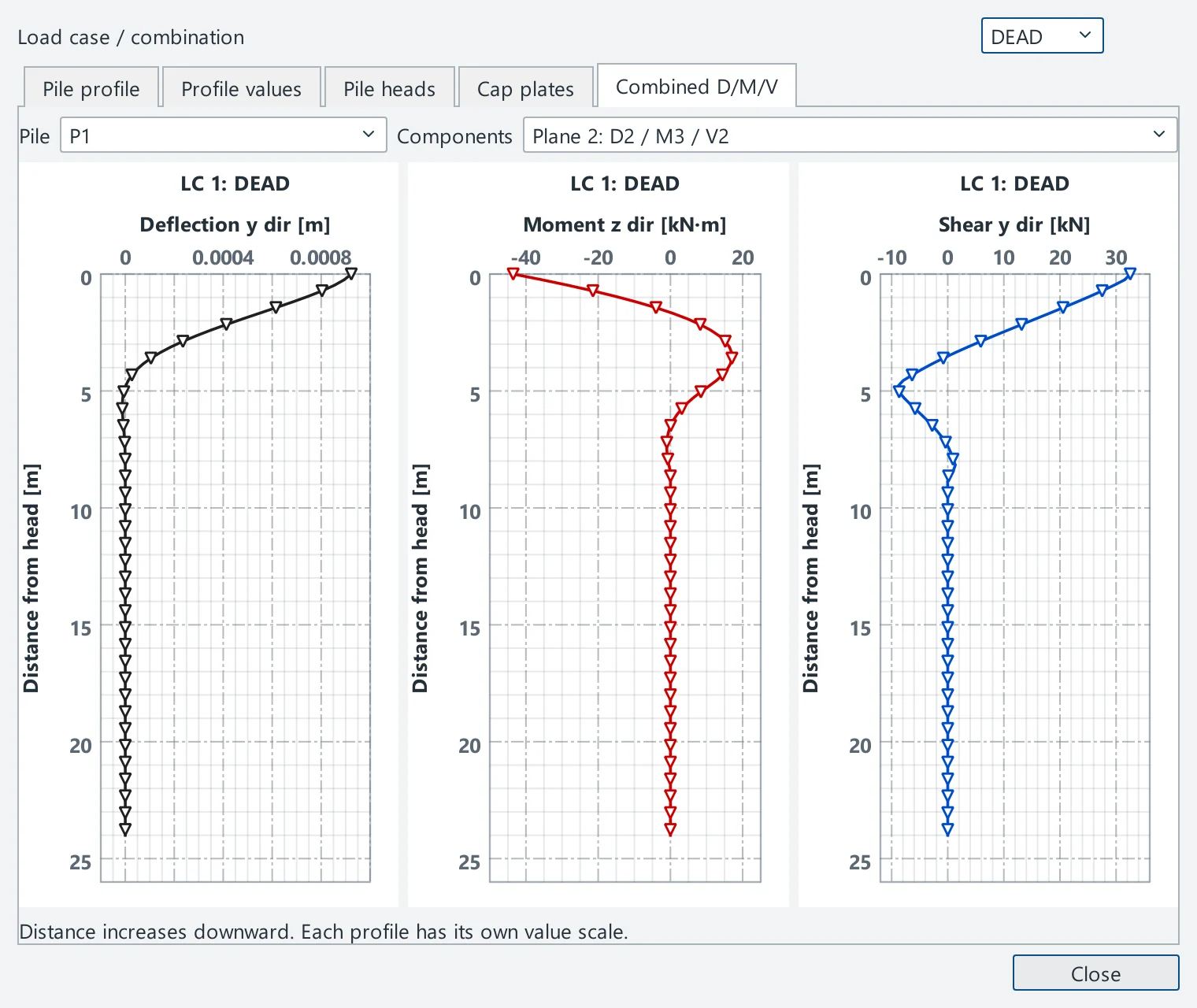
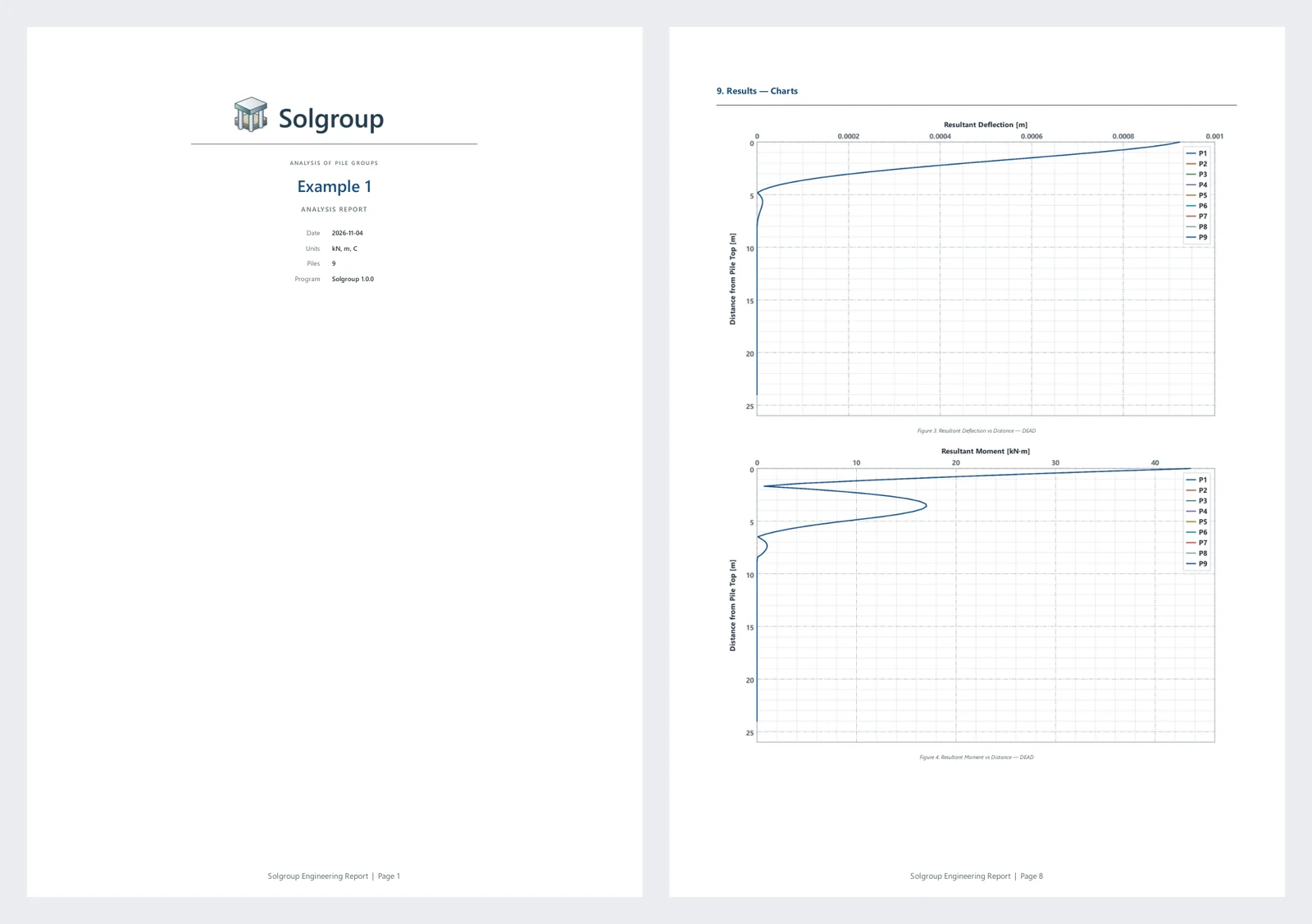
Plot deflection, moment and shear of any pile for every load case and combination, drawn upright like the pile, and compare all cases on one graph.
Worked examples of the user manual, analysed in Solgroup.
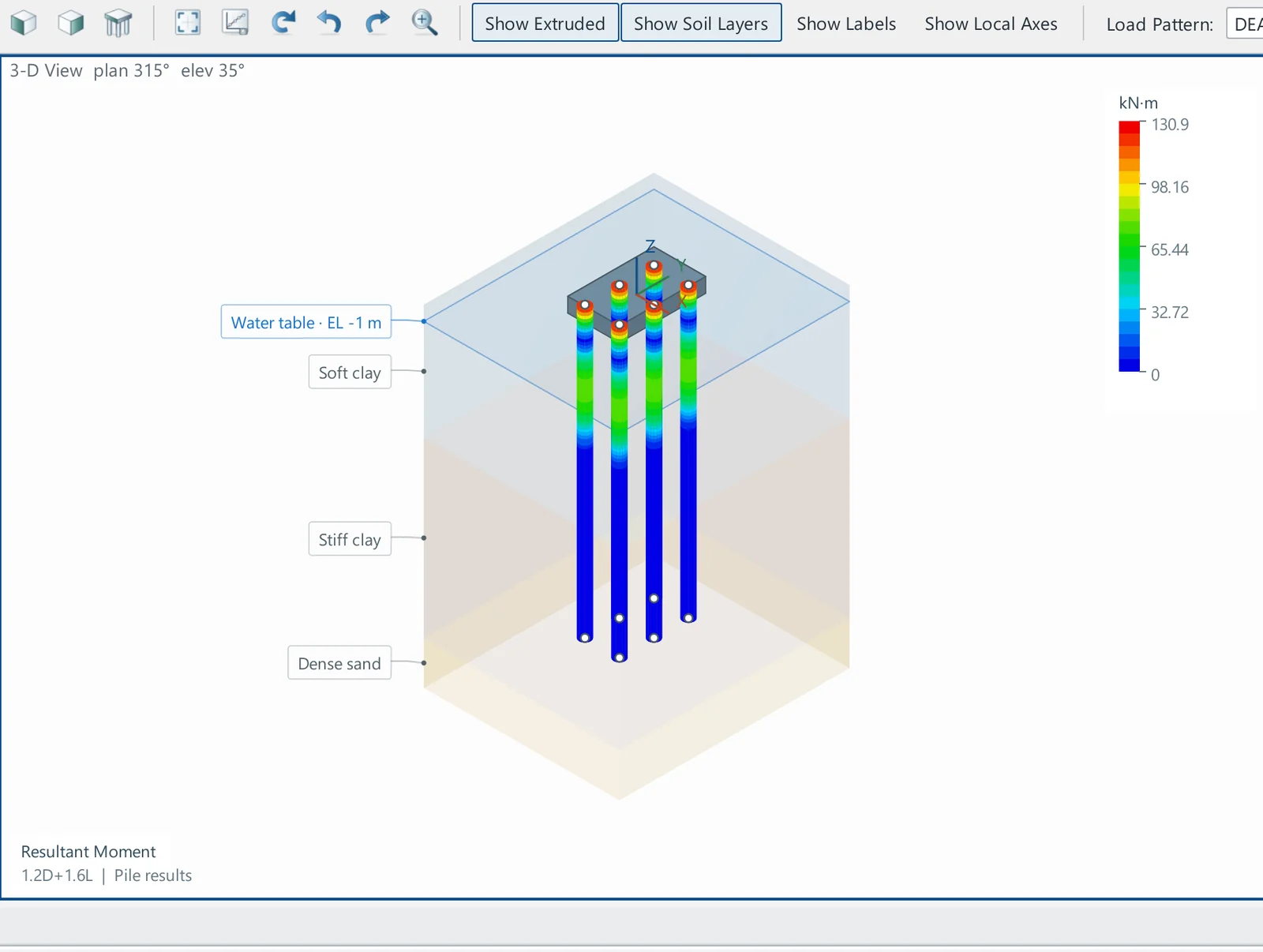
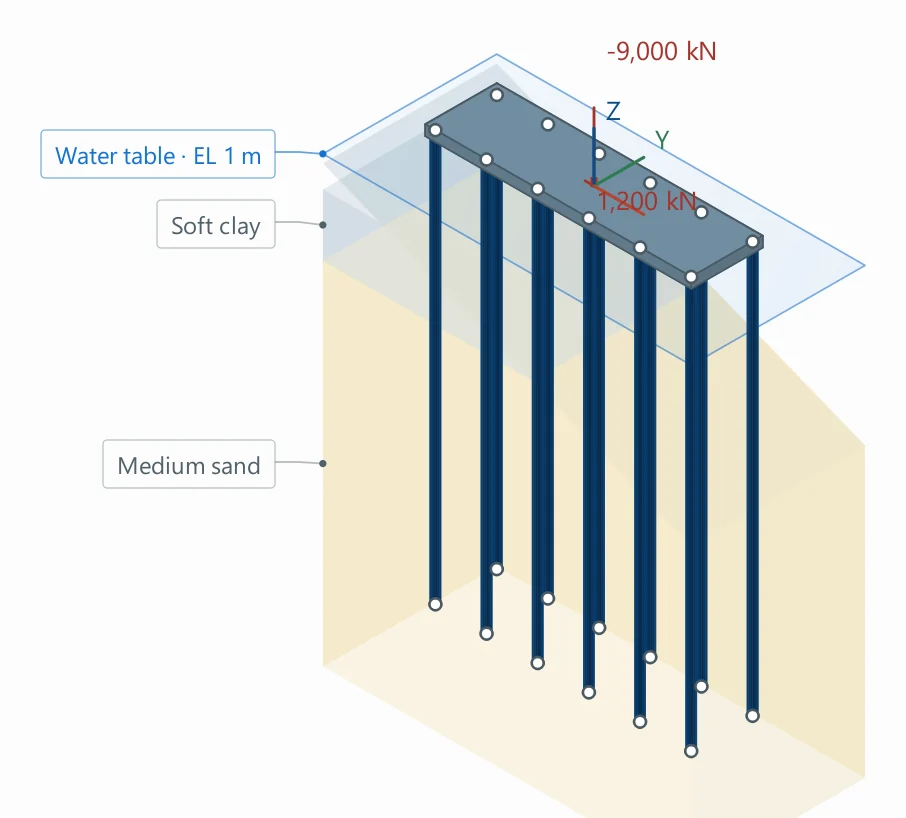
Combined axial load, shear and moment on a pile cap: the force at every pile head for the cap and pile design, and the settlement and rotation of the cap.
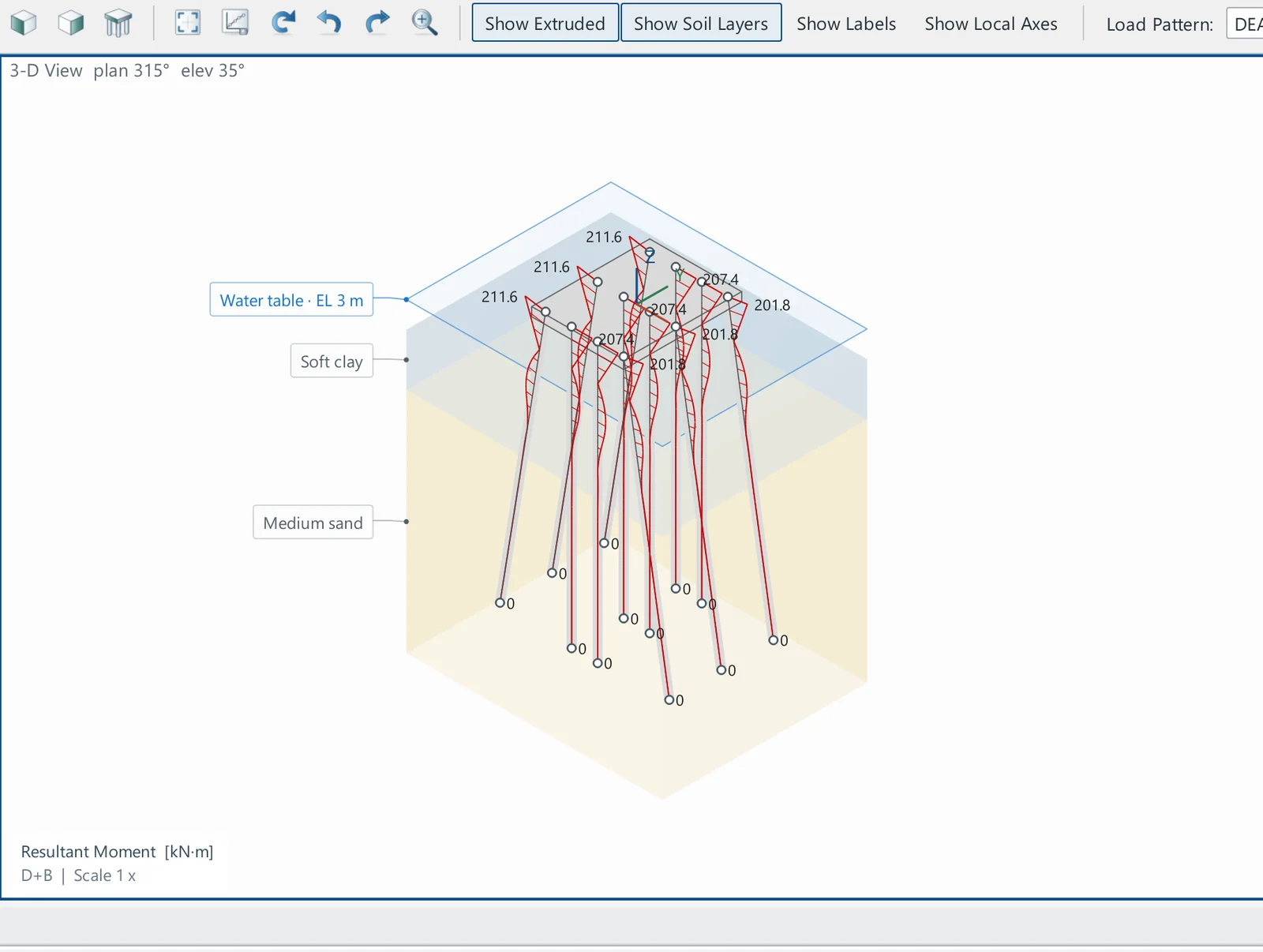
Bents of vertical and battered piles carry berthing and mooring loads; the battered piles take the horizontal load in axial force.
On a sloping seabed the short landward piles are stiffer and attract the load; model the slope once and let each pile take its own seabed.
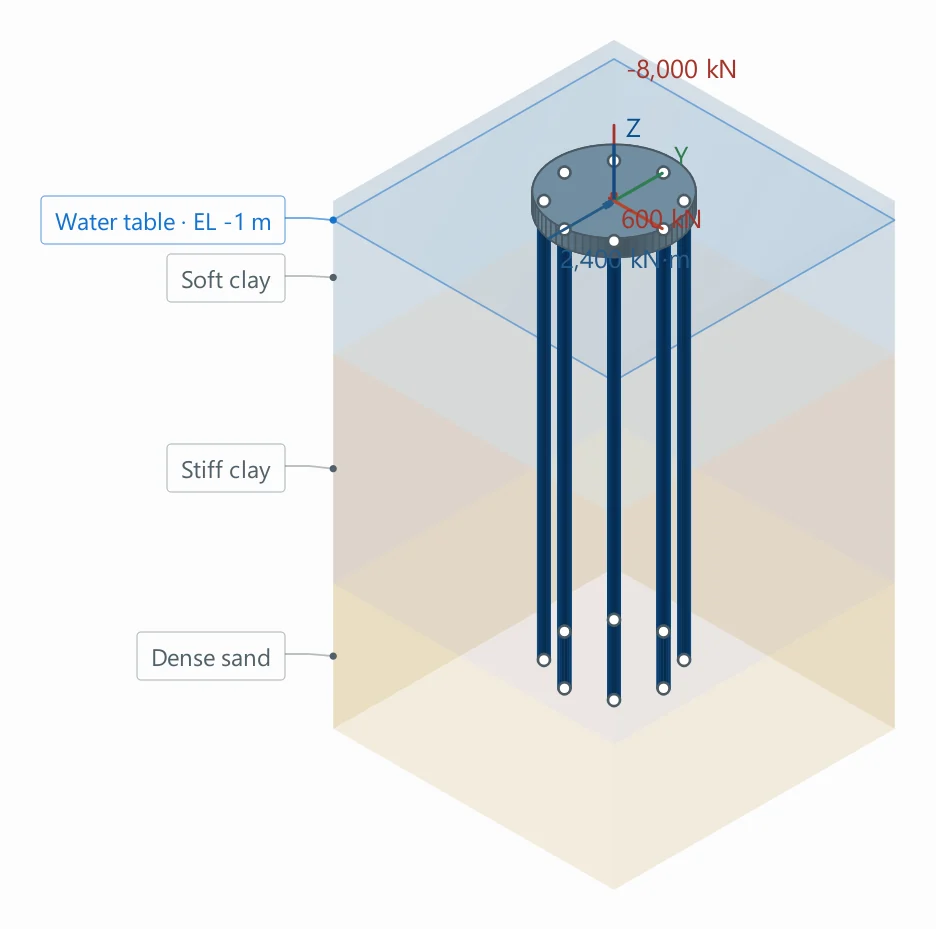
Circular groups and dolphins loaded in two directions, with the group effect worked out from the actual position of each pile.
Real screens from the program. Select an image to see it full size.
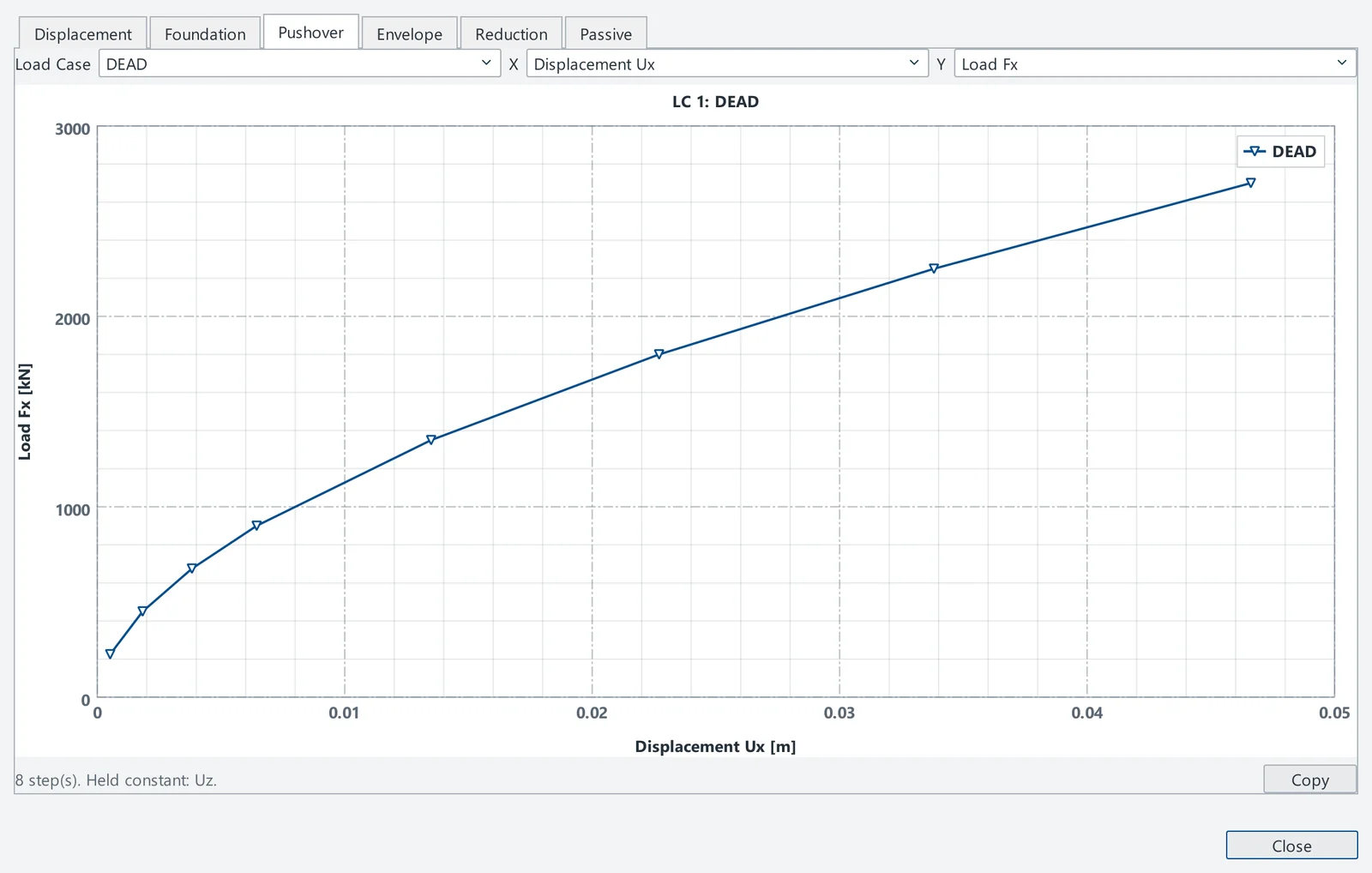
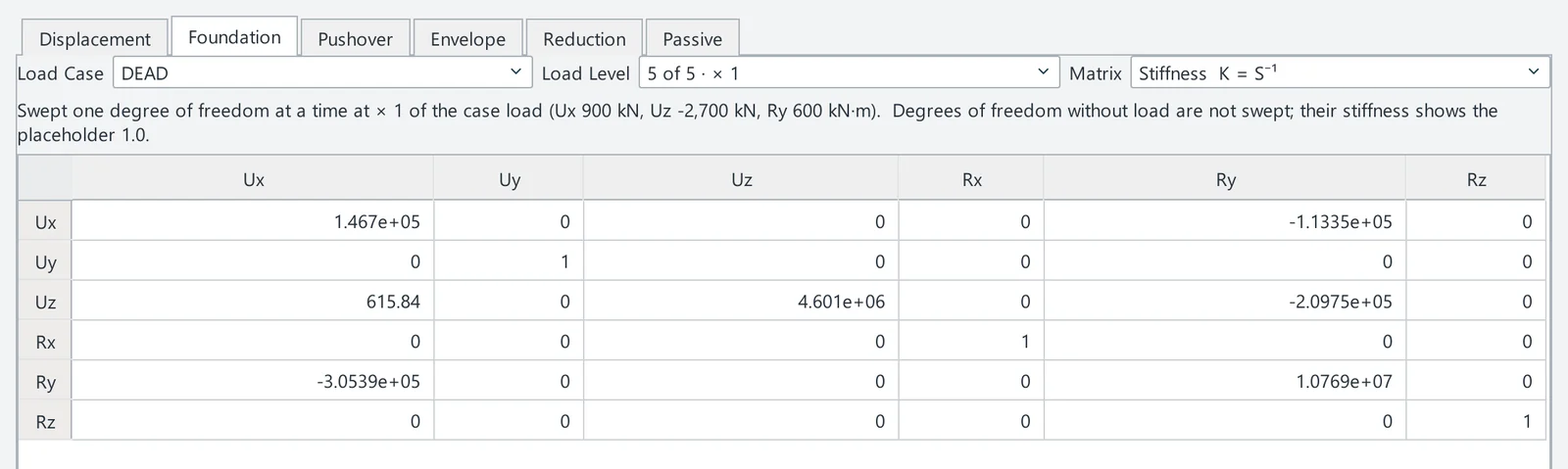
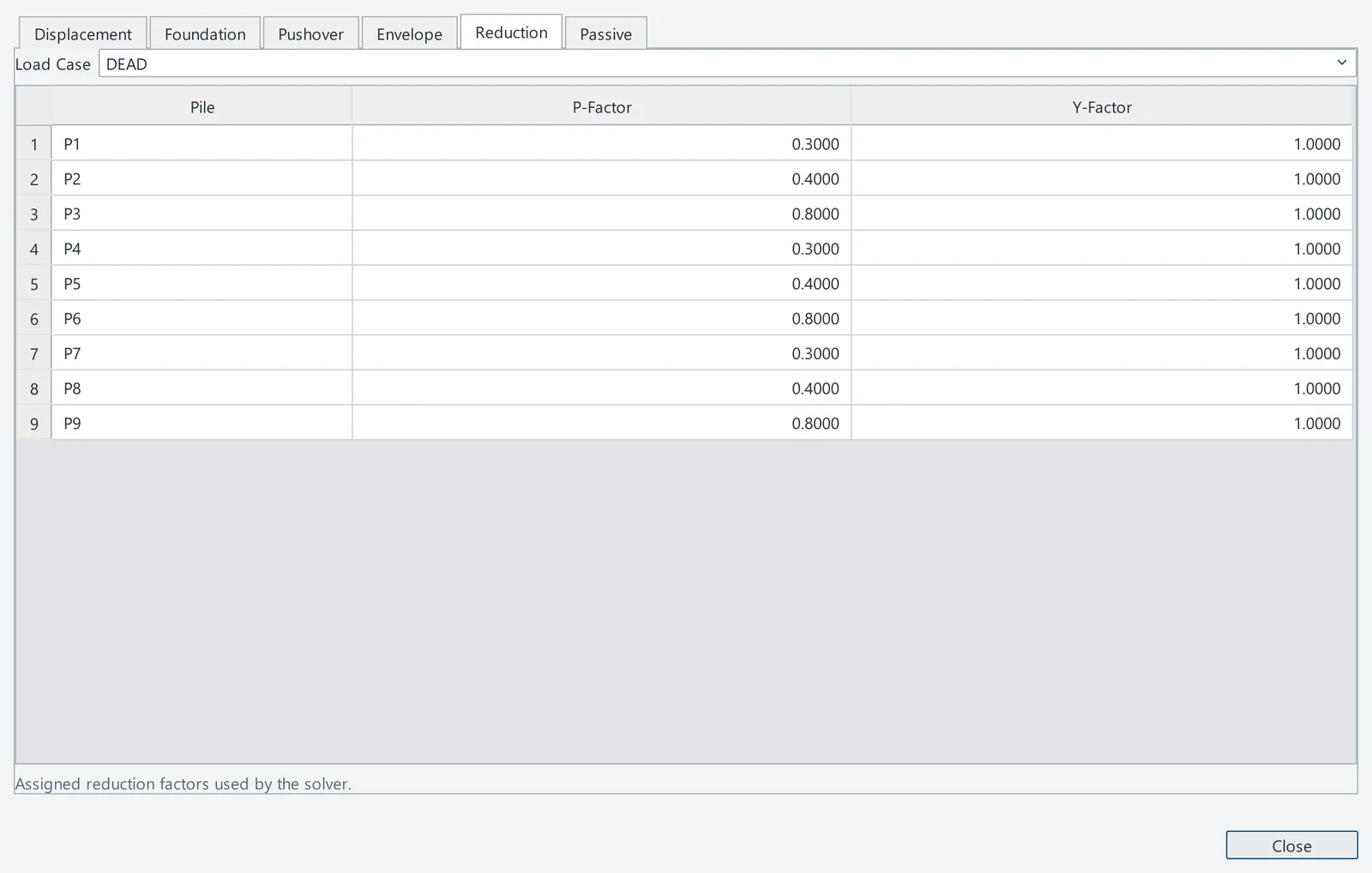
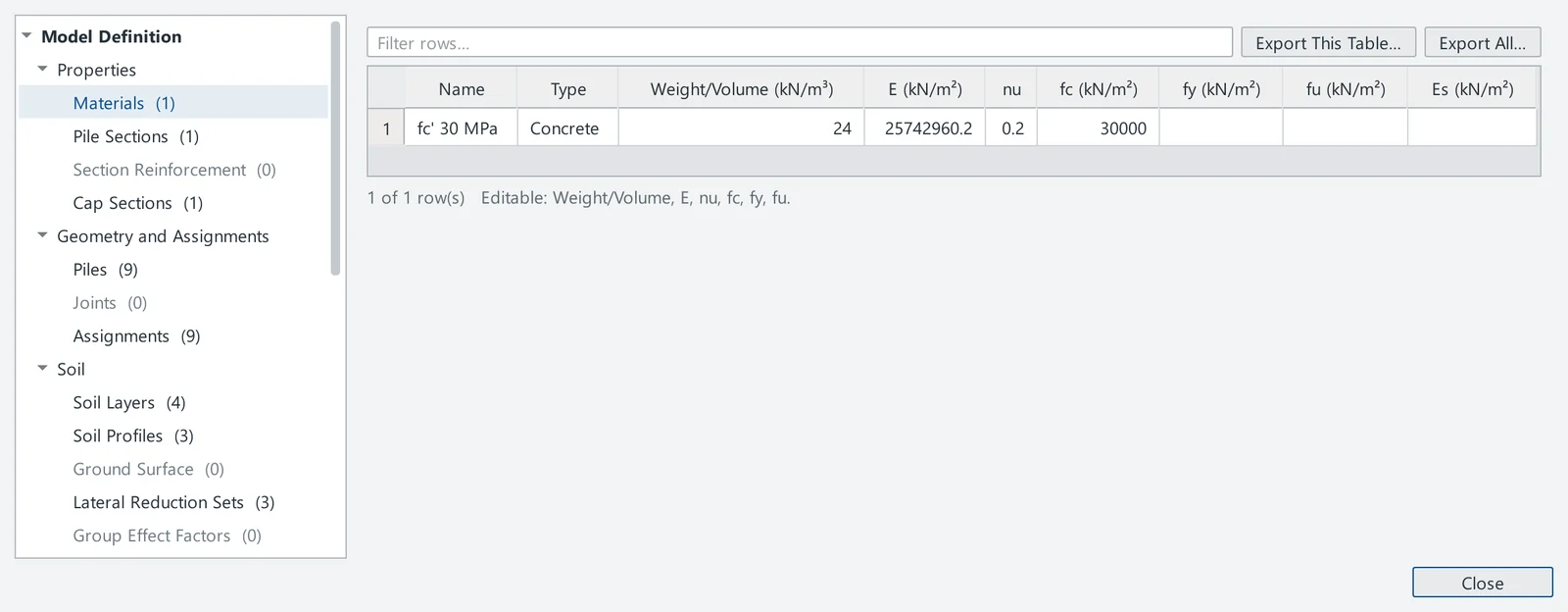
Monthly or annual, for one engineer, a team or a university.
For one engineer.
US$65/ month
or US$624 / year · save 20%
For offices that share Solgroup.
US$80/ seat / month
or US$768 / seat / year
For accredited universities.
Contact us
Campus quote from our support team · unlimited users with a university e-mail address
Not sure yet? Download Solgroup and start a free 7-day trial — results can be viewed, exports are not included. Prices in US$: pay them by card in US dollars, or in rupiah by QRIS, e-wallet or bank transfer; QRIS also works with banking apps in Malaysia, Singapore, Thailand and Japan. Each program has its own licence.
Need all three? Foundation Suite: Sol-load, Solpile and Solgroup in one licence for US$95 / month save 24%
See the suiteThe same manuals that come with Solgroup — read them before you install.
Video tutorials, each a realistic pile group from the first input to the report.
Video · Tutorial 2
Watch on YouTube · 19:14
Yes. The analysis needs no regular layout, and group effects are worked out from the actual position of each pile. Every pile head is tied to the cap; a pile without a cap is analysed in a single-pile model.
When the cap is thin compared with the pile spacing, or when you need its bending moments and shears. A rigid cap is the usual choice for thick caps.
Yes. The sections and soil of a Solpile project (.lpx) can be read into Solgroup.
Yes, seven days per program and account. Results can be viewed; reports and exports come with a licence.
Free to download. When Solgroup starts, sign in with your Solplan account to use your licence or start a 7-day free trial.
Solgroup 1.0.16 for Windows
Download installer