Personal
For one engineer.
US$20/ month
or US$192 / year · save 20%
- All analysis features and exports
- One computer at a time
 Sol-load
Axial pile analysis
From soil profile to axial capacity and settlement. Compare the static methods, follow the load transfer down the pile and prepare clear engineering reports.
From US$20 / month
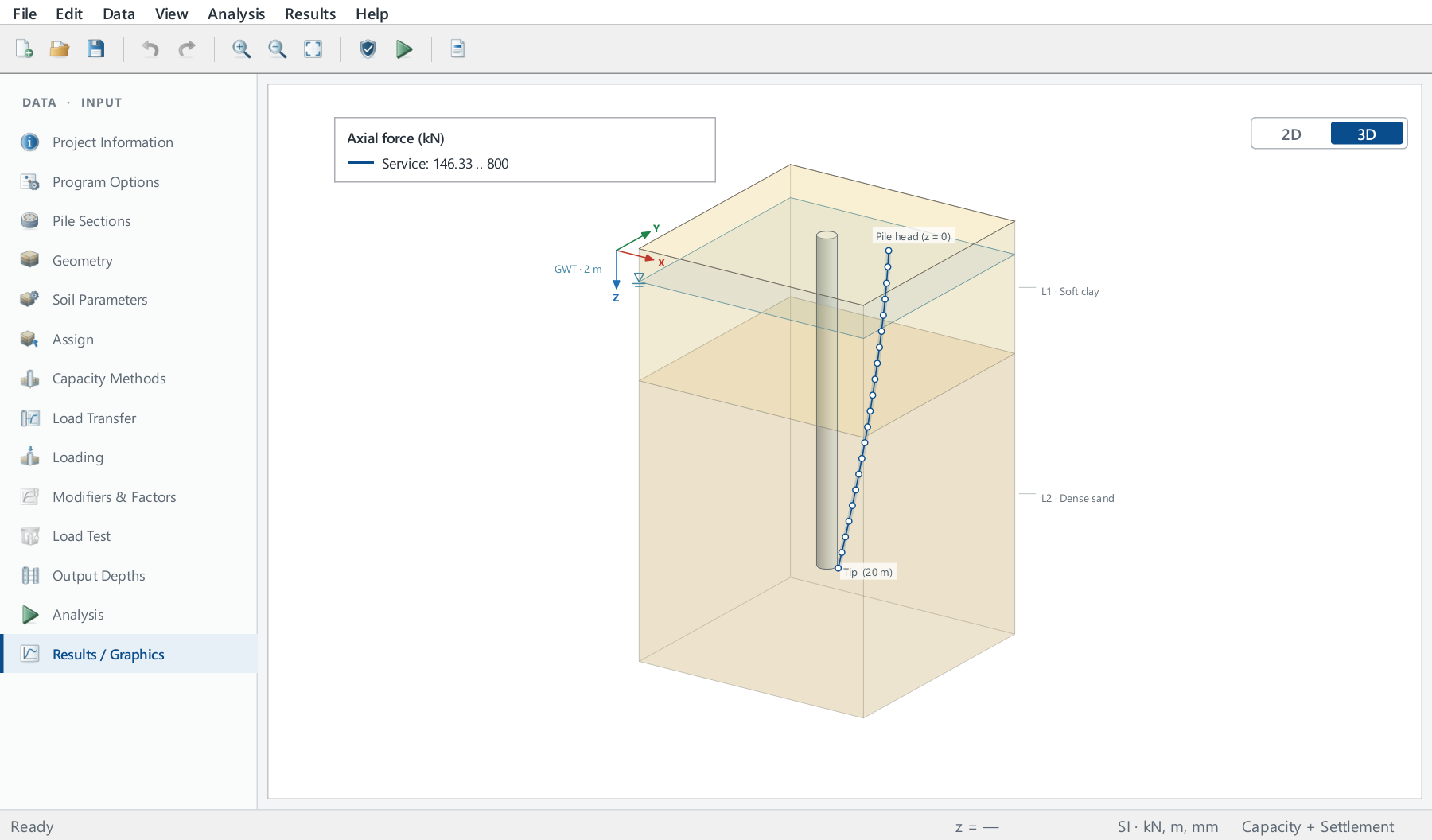
Static capacity methods and a nonlinear t-z / Q-w load-transfer analysis share one pile and soil model.
API, USACE, FHWA (Nordlund and Tomlinson), Revised Lambda and the CPT-based NGI, ICP, UWA and Fugro methods. Nominal, ASD or LRFD design capacity, in compression or uplift.
Nonlinear shaft t-z and tip Q-w curves generated from the soil or entered by you, solved for every load case. Driven piles and drilled shafts.
Apply a soil settlement profile to find the negative skin friction, the neutral depth and the maximum axial force, and check the FHWA neutral plane.
Import and interpret CPT soundings, compare the computed curve with load-test data, and export reports to PDF, Word and Excel.
Plot the capacity of every method against depth, the load–settlement curve and the axial force, movement and shaft stress of each load case. Use SI or US units throughout your project.
View example report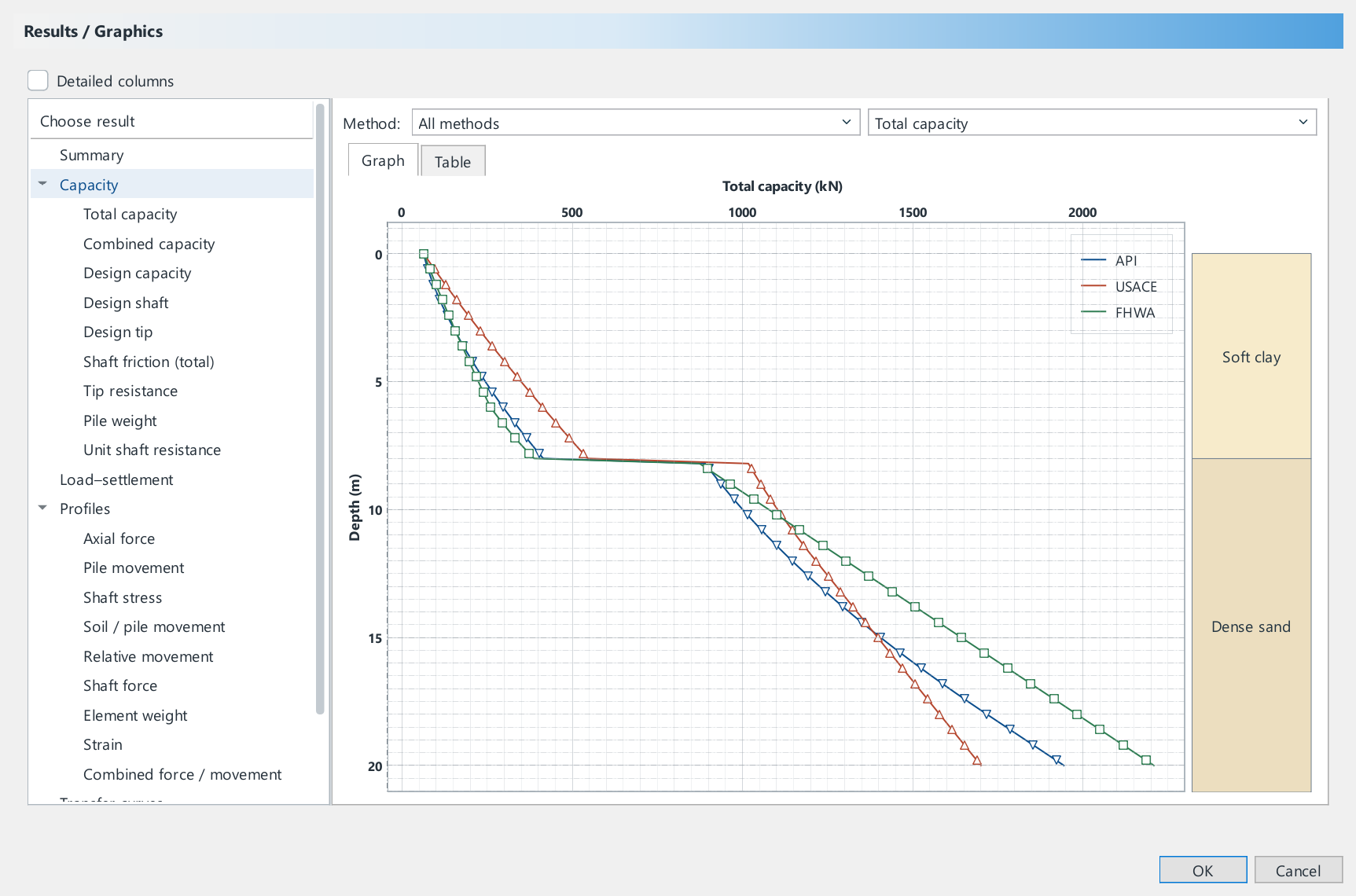
Monthly or annual, for one engineer, a team or a university.
For one engineer.
US$20/ month
or US$192 / year · save 20%
For offices that share Sol-load.
US$25/ seat / month
or US$240 / seat / year
For accredited universities.
US$125/ campus / year
Unlimited users with a university e-mail address
Not sure yet? Download Sol-load and start a free 7-day trial — results can be viewed, exports are not included. Prices in US$, charged in rupiah at checkout by QRIS, e-wallet or bank transfer; QRIS also works with banking apps in Malaysia, Singapore, Thailand and Japan, and international card payments are being activated. Each program has its own licence.
The same manuals that come with Sol-load — read them before you install.
Video tutorials, each a realistic pile from the first input to the report.
Free to download. When Sol-load starts, sign in with your Solplan account to use your licence or start a 7-day free trial.
Sol-load 1.0.0 for Windows
Download installerPlatform: Windows 10 or 11, 64-bit; 4 GB memory (8 GB recommended); 1 GB disk. An internet connection is needed for the licence; a licence can be borrowed for up to 30 days of offline use.
Analysis: axial capacity and load–settlement of a single pile in layered soil, in compression or uplift, with downdrag. For lateral load use Solpile; for pile groups, Solgroup.
Workflow: native .sload projects, multiple load cases, CPT import, SI/US units, reports in PDF, Word, Excel and HTML, results as CSV and JSON, GRLWEAP soil-resistance export.
Engineering use: choose methods and parameters suited to the soil and the pile, review the notes of the analysis, and check the results against the design requirements.

