
Solpile
Single pile analysis
Version 1.0.0 · 111 MB · Windows 10/11, 64-bit · SHA-256
Documentation: User Manual · Technical Reference · Release Notes
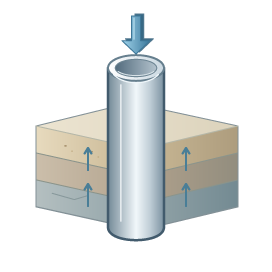
Sol-load
Axial pile analysis
Version 1.0.0 · 74 MB · Windows 10/11, 64-bit · SHA-256
Documentation: User Manual · Technical Reference · Release Notes

Solgroup
Pile group analysis
Not yet available
In development
If Windows warns about the installer
Solplan installers are new and not yet code-signed, so Microsoft Edge, Chrome or Windows SmartScreen may say that the file “isn’t commonly downloaded” or that “Windows protected your PC”. Download installers only from solplan.id. To check a file, run certutil -hashfile <file> SHA256 in a Command Prompt and compare the result with the SHA-256 link next to the download. Then choose Keep in the browser, or More info › Run anyway in Windows.
After installing
- Open the program and sign in with your Solplan account (e-mail and password).
- Start a free trial under Account › Licences, or choose a licence.
- Need help? See Support or email support@solplan.id.